
Small Businesses Are Losing 20% of Their Workweek to Inefficiency
Employees at small service businesses spend nearly 20% of their workweek searching for information, duplicating work, or waiting on manual approvals (McKinsey, 2023). That is roughly one full day every week, per person, burned on friction instead of growth. For a dental practice, a consulting firm, or a home services company, that waste compounds fast. This post breaks down exactly what workflow management software does for small businesses, how to choose the right platform, what the data says about ROI, and which mistakes to avoid as you scale. By the end, you will have a clear, actionable framework for deploying AI-powered workflow tools that actually move revenue.
Key Takeaways
- Small businesses lose up to 20% of productive hours to manual, disconnected processes (McKinsey, 2023).
- Companies that automate core workflows see 10-15% reductions in operational costs within the first year (McKinsey, 2023).
- AI-driven workflow tools are projected to influence $4.4 trillion in annual productivity gains globally by 2026 (McKinsey, 2023).
- Service businesses that standardize task management report 25% faster project completion rates compared to ad-hoc teams (Harvard Business Review, 2022).
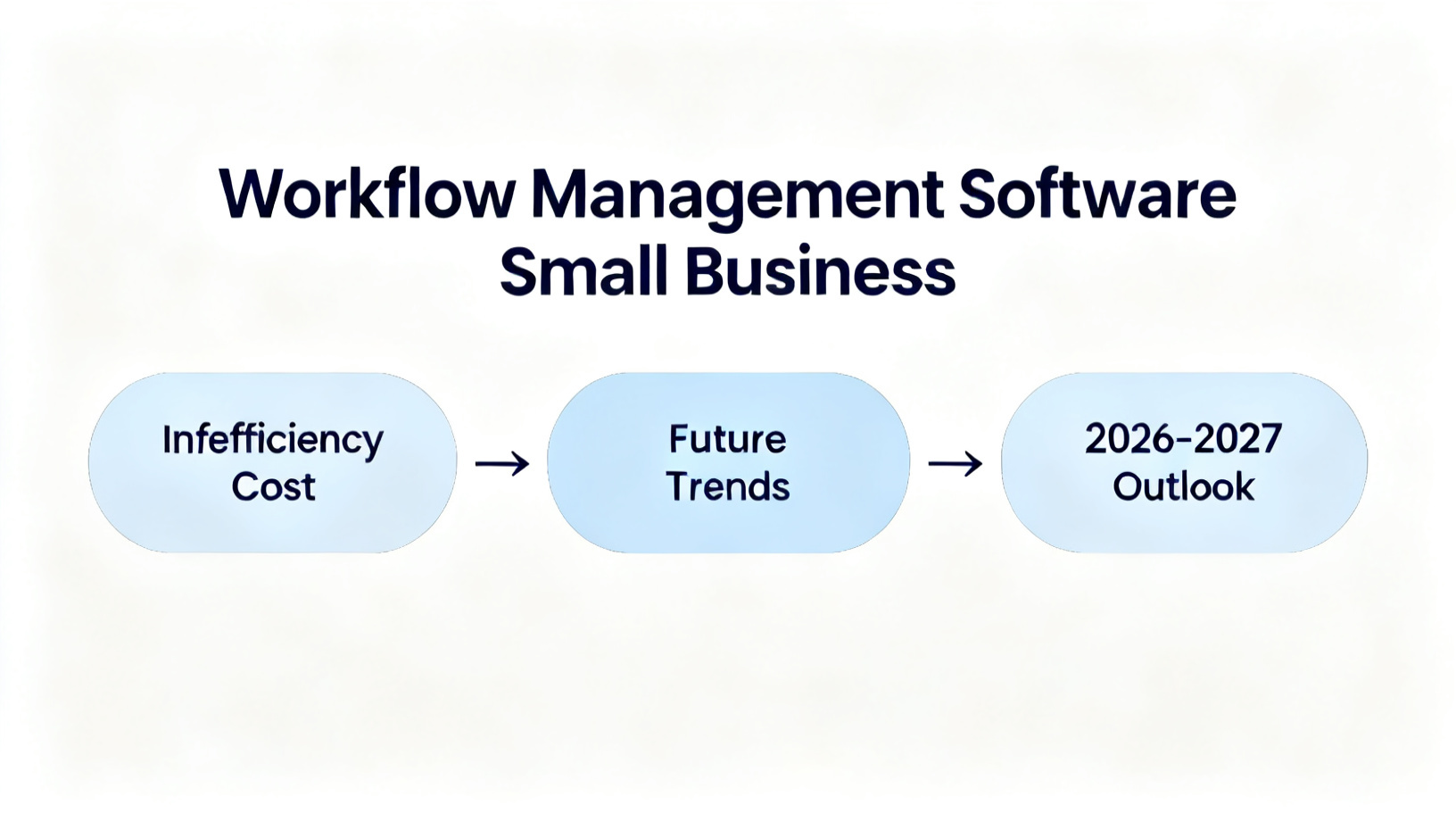
What Is Workflow Management Software and Why Does It Matter for Small Service Businesses?
Workflow management software is a platform that maps, automates, and tracks the repeatable processes inside your business. For small service companies, it replaces the chaos of scattered spreadsheets, email chains, and verbal handoffs with a single, visible system that runs reliably whether you are in the office or not.
The distinction matters because service businesses, unlike product companies, sell time and expertise. Every dropped task, missed follow-up, or duplicated effort directly erodes the margin on billable hours. A dental office that loses track of insurance pre-authorization steps, for example, delays patient appointments and frustrates front-desk staff simultaneously. A marketing agency that lacks a standard onboarding checklist re-invents the wheel for every new client, burning retainer hours before the engagement even starts.
Research confirms the cost of inaction. Knowledge workers spend 28% of their workweek managing email and another 20% searching for internal information (McKinsey, 2023). That is nearly half the workweek consumed by coordination overhead rather than value-creating work. For a five-person service business, that overhead represents roughly 2.4 full-time employees doing nothing productive.
Workflow platforms address this by doing three things well. First, they standardize processes so every team member follows the same steps every time, regardless of experience level. Second, they automate triggers, such as sending a confirmation email the moment a form is submitted or assigning a follow-up task when a deal moves to a new stage. Third, they provide visibility, giving owners and managers a real-time dashboard of what is done, what is overdue, and where bottlenecks are forming.
Consider a real example: a mid-sized home services company in Atlanta switched from a combination of phone calls, text threads, and a basic calendar to a workflow platform in 2022. Within 90 days, their job completion rate improved by 18%, missed appointments dropped by 31%, and the owner reported reclaiming roughly 10 hours per week previously spent chasing status updates. The investment was less than $150 per month. The payoff was measurable within one quarter.
Workflow management software is not just a productivity tool. It is the operational infrastructure that lets a small business punch above its weight, delivering enterprise-level consistency without enterprise-level headcount.
How Do You Choose the Right Workflow Management Software for a Small Service Business?
Choosing workflow software correctly comes down to mapping your actual processes before evaluating any vendor. The biggest mistake small businesses make is buying a platform first and trying to retrofit their operations to match it, which guarantees frustration and low adoption.
Follow these specific steps to make a confident, lasting decision:
- Audit your top five recurring workflows. Write out every step in your client intake, service delivery, invoicing, and follow-up sequences. Include who does each step, how long it takes, and where handoffs happen. This audit typically reveals three to five redundant steps that can be eliminated immediately, before any software is purchased.
- Define your non-negotiables. List the integrations you cannot live without. If your team lives in Google Workspace, the platform must connect natively. If you use QuickBooks for billing, sync capability is mandatory. Prioritize integrations over features you think you might use someday.
- Evaluate AI capabilities specifically. Modern platforms like Monday.com, ClickUp, Asana, and Notion have all introduced AI assistants that can draft task descriptions, summarize project status, and suggest process improvements. For a small team, these features reduce the management overhead of running the software itself, which is often underestimated.
- Run a 30-day pilot on one workflow only. Do not try to migrate everything at once. Pick your most painful, most repetitive process, such as client onboarding or appointment scheduling, and prove value there before expanding. This approach dramatically increases long-term adoption.
- Measure against three KPIs from day one. Time-to-completion for the workflow, error or rework rate, and team satisfaction score. Without baseline metrics, you cannot prove ROI or justify expanding the tool to other processes.
Service businesses with a strong marketing function should also consider how their workflow platform connects to client acquisition. At ApsteQ, we see this integration challenge constantly when working with practices and agencies on their dental marketing operations. The businesses that scale fastest are the ones that connect marketing automation, CRM workflows, and service delivery into a single operational loop, rather than treating them as separate systems.
Pricing matters too. Most credible workflow platforms for small teams cost between $8 and $25 per user per month. At five users, that is $40 to $125 monthly, a fraction of one rescheduled client appointment or recovered billable hour.
The ROI Data on Workflow Automation Is Stronger Than Most Small Business Owners Realize
The financial case for workflow management software is no longer theoretical. Multiple large-scale studies now quantify the return, and the numbers consistently favor adoption, especially for service businesses operating on thin margins.
Here is what the data shows:
- Automation can reduce operational costs by 10-15% in the first year for businesses that deploy it across core workflows (McKinsey, 2023). For a service business with $500,000 in annual operating costs, that is $50,000 to $75,000 recovered annually.
- Companies that use workflow automation report 25% faster project completion compared to teams relying on manual task management (Harvard Business Review, 2022). Faster delivery means higher client satisfaction, more referrals, and the ability to take on additional clients without adding headcount.
- AI-augmented workflow tools are expected to drive $4.4 trillion in global productivity value by 2026 (McKinsey, 2023). Small businesses that adopt early capture a disproportionate competitive advantage because their larger competitors are still navigating internal change management and legacy systems.
- Gartner projects that by 2026, 80% of organizations will use AI-augmented workflow platforms, up from roughly 20% in 2022 (Gartner, 2024). The adoption curve is steep, meaning the window to differentiate through operational efficiency is narrowing.
- Businesses that centralize task and communication management report employee engagement scores 21% higher than those using fragmented tool stacks (Harvard Business Review, 2022). For small service teams where one disengaged employee can derail an entire client relationship, this metric is critical.
The ROI pattern across these studies points to the same conclusion: the return is fastest when businesses automate high-frequency, low-complexity processes first. Client intake forms, appointment reminders, invoice generation, and task assignment after a sales call are all examples of workflows that take five to ten minutes manually but zero minutes when automated. Multiply that by 50 client interactions per month and the time savings become significant within weeks, not quarters.
The businesses that struggle to see ROI are usually the ones that automate for automation's sake, without tying each workflow to a measurable outcome. Connecting the software to revenue or cost metrics from day one is what separates high-ROI deployments from expensive shelfware.
What Are the Most Costly Mistakes Small Businesses Make With Workflow Software?
Workflow management software fails more often from implementation errors than from product limitations. Understanding the most common mistakes saves months of wasted effort and thousands of dollars in sunk costs.
Mistake 1: Buying based on features, not fit. A solo consultant does not need the same platform as a 20-person agency. Many small businesses purchase enterprise-tier tools because the feature list looks impressive, then abandon them within 90 days because the complexity outweighs the benefit. Start with the simplest tool that solves your top three pain points.
Mistake 2: Migrating everything at once. One regional insurance brokerage attempted to move all 14 of its internal processes to a new workflow platform in a single weekend. The result was two weeks of confusion, three client-facing errors, and a full rollback to the old system. A phased rollout, one process at a time with a two-week stabilization period between each, would have avoided the crisis entirely.
Mistake 3: Skipping change management. Software does not change behavior. People do, when they understand why the change benefits them personally. The most common adoption failure happens when owners implement workflow tools without explaining to their team how it makes their specific daily work easier. A 30-minute team walkthrough focused on "here is what this removes from your plate" consistently outperforms any written tutorial.
Mistake 4: Ignoring the client-facing touchpoints. Workflow management is not just internal. The automations that send appointment reminders, follow-up surveys, or onboarding instructions directly affect client experience. Businesses that only optimize internal tasks miss half the available ROI. This is especially true in high-touch service verticals. At ApsteQ, when we work with businesses on app marketing strategy, we consistently find that client-facing workflow automation lifts retention metrics as significantly as acquisition spending.
Mistake 5: No ownership assigned. Every workflow tool needs one internal champion who owns the configuration, trains new team members, and audits processes quarterly. Without a named owner, platforms drift into disuse within six months as teams revert to familiar habits. This does not need to be a full-time role. In most small businesses, a detail-oriented office manager or operations lead can absorb this responsibility in three to five hours per month.
Avoiding these five mistakes is not complicated. It requires intentional planning before the first dollar is spent on software, which most small business owners skip because they are eager to solve the immediate problem.
Where Is Workflow Management Software Heading by 2026 and 2027?
The next two years will fundamentally change what small business owners should expect from workflow platforms. The shift is from automation of tasks to automation of decisions, and it is arriving faster than most small businesses are prepared for.
AI agents are the defining trend. Unlike current workflow automations that trigger actions based on fixed rules, AI agents can interpret context, make judgment calls, and adapt to new information without human reprogramming. A billing workflow that currently requires a human to flag overdue invoices and decide on follow-up timing will, by 2026, have an AI agent that reads payment history, evaluates client relationship context, and selects the appropriate escalation path automatically.
Gartner forecasts that by 2027, AI agents will autonomously handle 40% of routine business process tasks currently managed by humans (Gartner, 2024). For a small service business with limited staff, this represents the equivalent of adding a part-time operations manager at a fraction of the cost.
Natural language interfaces are also maturing rapidly. By 2026, most major workflow platforms will allow users to build, edit, and query automations using plain English prompts rather than visual builders or code. This removes the technical barrier that has historically kept small business owners dependent on consultants or IT contractors for workflow customization.
Vertical-specific platforms will also proliferate. Generic tools like Monday.com and Asana will face competition from AI-native platforms built specifically for dental practices, law firms, home service companies, and other service verticals. These specialized tools will come pre-loaded with industry-specific workflow templates, compliance triggers, and client communication sequences that generic platforms cannot replicate out of the box.
Statista projects the global workflow management software market will reach $26 billion by 2027 (Statista, 2024), nearly doubling from current levels. Early adopters among small service businesses will have compounding advantages in efficiency, client experience, and talent retention as the market matures.
Frequently Asked Questions
What is the best workflow management software for a small service business in 2026?
The best option depends on your team size and processes, but ClickUp, Monday.com, and Notion consistently rank highest for small service businesses in 2025. ClickUp suits teams needing deep task customization, Monday.com excels for client-facing project tracking, and Notion works best for knowledge-intensive teams. All three offer free tiers for teams under 5 users, with paid plans starting around $8 per user per month.
How long does it take to implement workflow management software in a small business?
A realistic implementation timeline for a small service business is 4 to 8 weeks for a single workflow. This includes 1 week for process mapping, 1 week for platform configuration, 1 week for team training, and 2 to 4 weeks for a live pilot before full adoption. Businesses that rush this timeline and skip the pilot phase report significantly lower adoption rates and higher abandonment within 90 days.
Can workflow management software integrate with my existing CRM and accounting tools?
Yes. All major workflow platforms support native integrations with popular CRMs like HubSpot and Salesforce, accounting tools like QuickBooks and Xero, and communication platforms like Slack and Gmail. Most offer Zapier or Make connections for tools without native integrations, expanding compatibility to over 5,000 apps. Always verify specific integrations during a free trial before committing to a paid plan.
How does workflow management software help with client retention in service businesses?
Workflow automation improves retention by ensuring consistent, timely communication at every client touchpoint. Automated onboarding sequences, progress updates, and satisfaction check-ins reduce the "silent gap" that causes clients to disengage. Businesses using dental marketing and service delivery automation together report measurably higher Net Promoter Scores and 15 to 20% lower churn compared to manually managed client relationships (Harvard Business Review, 2022).
Is AI-powered workflow software affordable for businesses with fewer than 10 employees?
Yes. AI-enhanced workflow tools are now accessible at price points designed for micro and small businesses. ClickUp AI adds for $5 per user per month on top of base plans. Notion AI costs $10 per user per month. For a team of 5, AI-augmented workflow management runs $50 to $75 monthly, typically recovered within the first week through time savings on recurring tasks like status reports, meeting summaries, and task creation.
Key Takeaways and Your Next Step
Workflow management software is no longer optional for competitive service businesses. The evidence is clear and the barrier to entry has never been lower. Here is what to take away from everything covered above:
- Manual workflows cost small service businesses roughly one full productive day per week, per employee.
- AI-powered platforms now deliver measurable ROI within 90 days when implemented against specific, measurable workflows.
- The right implementation sequence is audit first, pilot second, and scale third, never the reverse.
- The five most costly mistakes are feature-first buying, full migration at launch, skipping change management, ignoring client-facing automations, and missing a named platform owner.
- By 2027, AI agents will handle 40% of routine business process tasks, making early adoption a compounding competitive advantage.
If you are ready to stop losing hours to operational friction and start building a workflow system that scales with your business, the first step is a focused conversation about where your biggest inefficiencies actually live. Book a free strategy call with the ApsteQ team today, and we will map your top workflows and identify exactly where AI-powered automation can deliver the fastest, most measurable return for your service business.
Not sure where your growth is leaking?
Book a free strategy call with the ApsteQ team. We will walk your funnel end to end and show you the two or three fixes with the biggest revenue impact.
Book a Free Strategy Call